Device activation
danger
Before using the application, the device must be authenticated and activated.
The Device Credentials screen allows this operation.
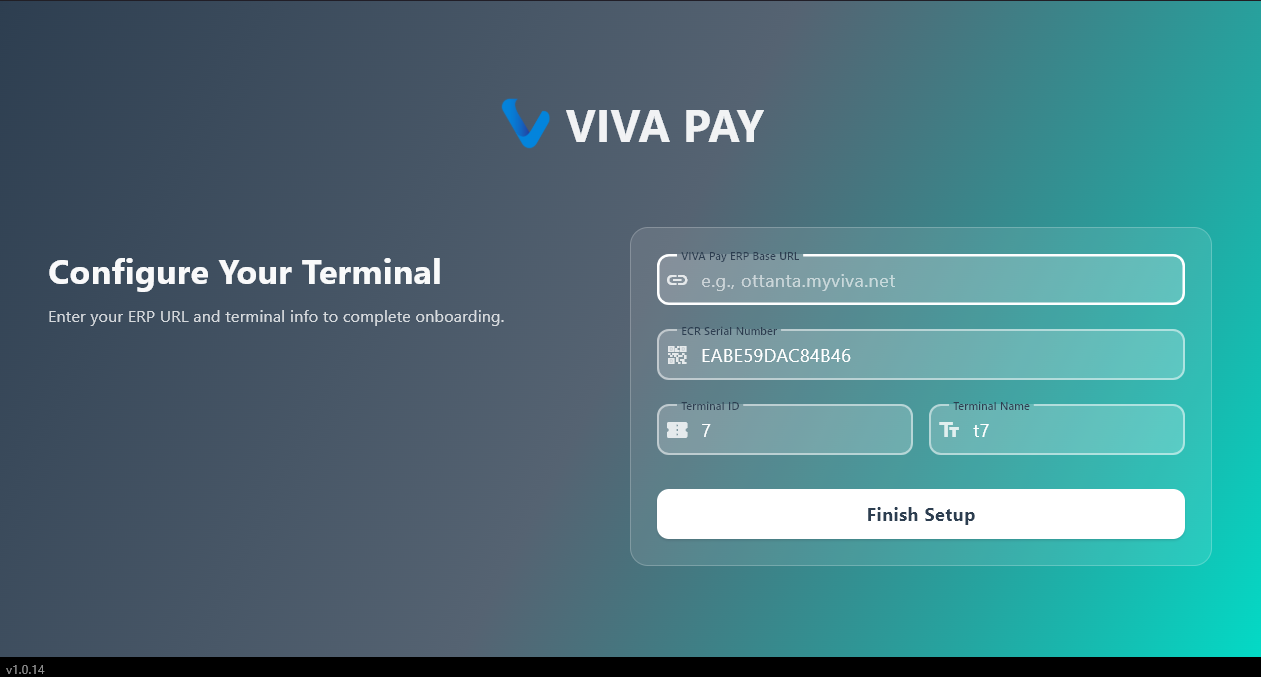
Required information
- Username
- Password
- License key
- Device serial number
Viva ERP user account.
Password associated with the ERP account.
Key provided by Telepaty to activate the application. Each business receives a unique key.
Unique identifier automatically generated.
Used for:
- register the device
- associate the license.
Process validation
After clicking on Continue.
the system checks:
- ERP identifiers
- the validity of the license
- registration of the device.